
Overview

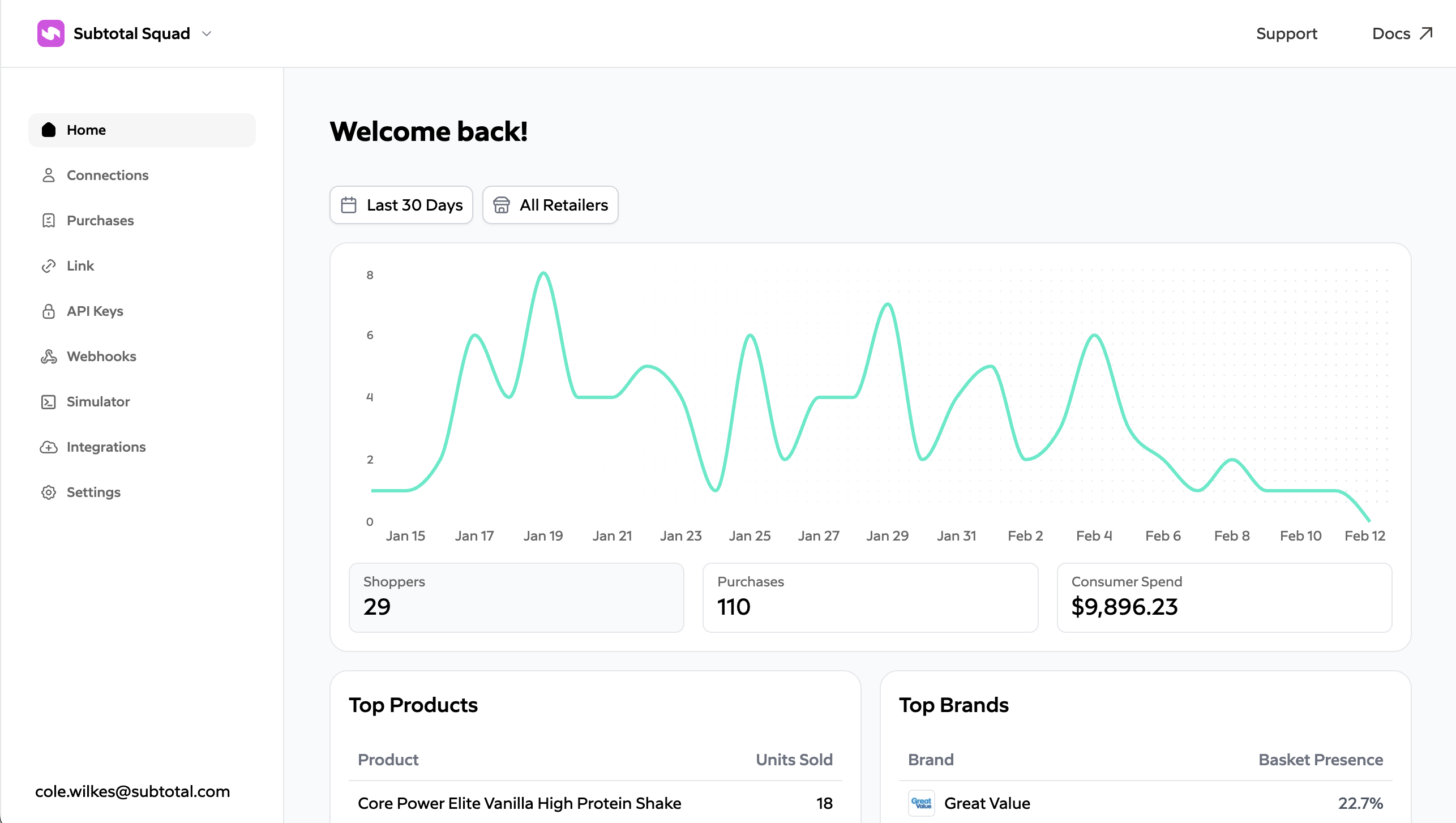
The Subtotal Dashboard is the web-based control center for your Subtotal account. Use the Subtotal Dashboard to configure how your brand uses Subtotal, access data and insights, manage API access, set up webhooks and integrations, and test flows with simulated data. subtotal dashboard
Signing up

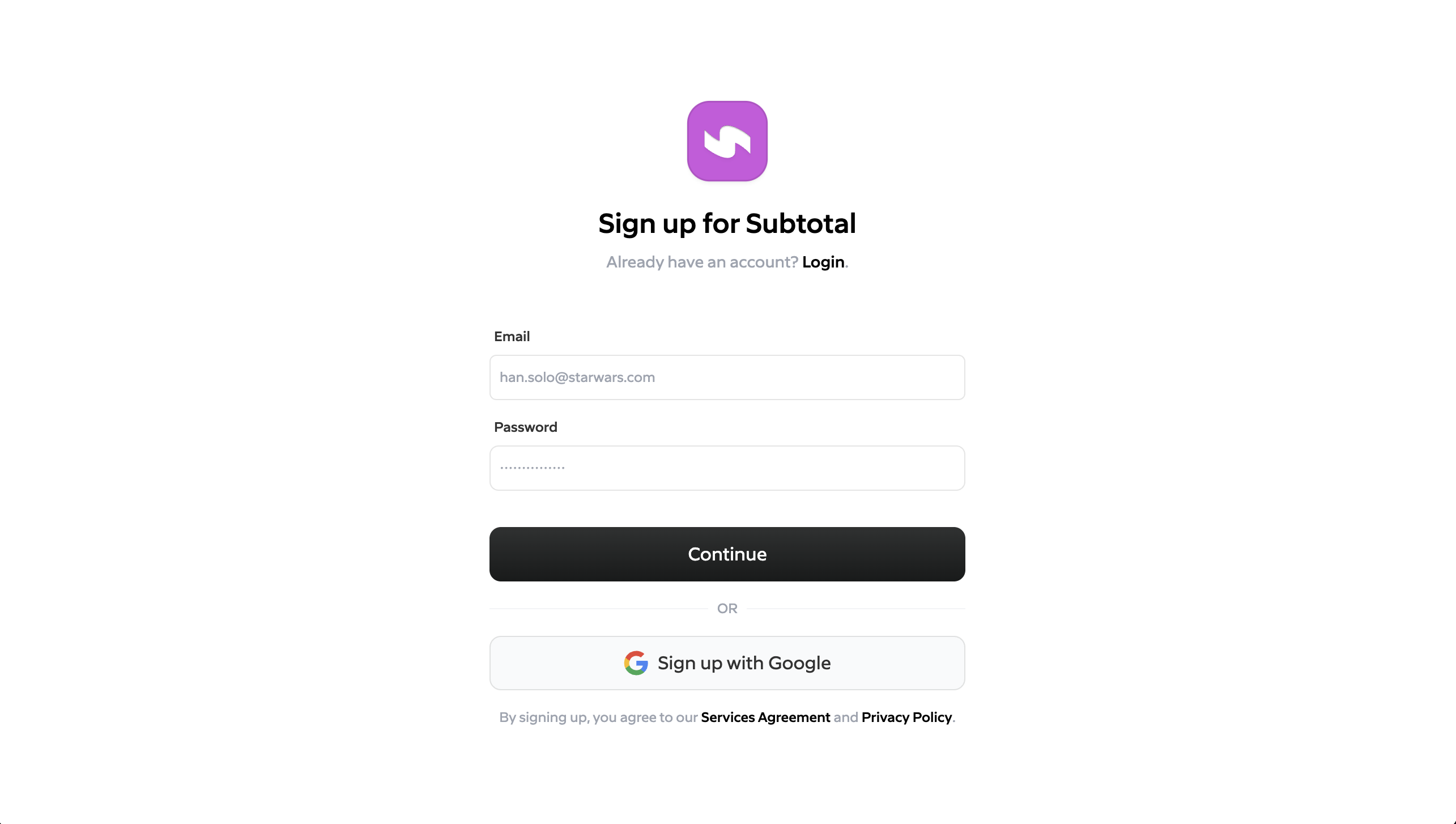
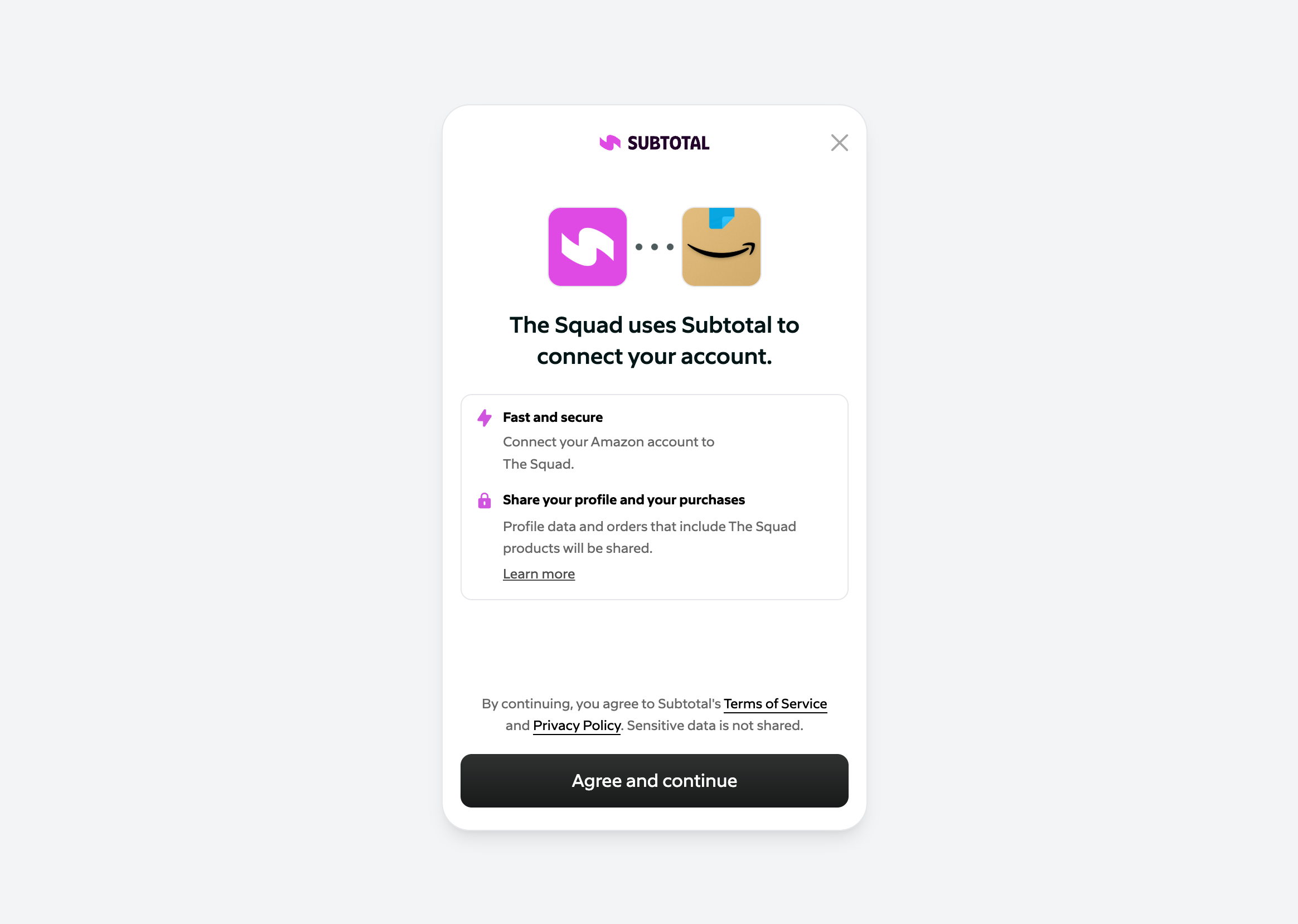
Sign up at https://dashboard.subtotal.com/sign-up. dashboard signup The first thing you’ll want to do after signing up is configure Subtotal Link to use your brand name, icon, and retailers. Check out our docs on Subtotal Link to get started. dashboard signup
API keys

Create and manage API keys in the Subtotal Dashboard. Authenticate your requests to the Subtotal API with a valid API key. See Authentication in the API reference.

Webhooks

In the Dashboard you add webhook destinations—the URLs where Subtotal sends event payloads when connections and purchases occur. Go to Webhooks (or DevelopersWebhooks), click Add destination, enter your HTTPS endpoint URL, choose which events to subscribe to, and save. The Dashboard shows a signing secret for each destination; use it to verify webhook signatures in your endpoint. For each destination you can turn simulated events on or off so the Event Simulator can send test events to that URL. See Webhooks for full details and event types.

Event Simulator

The Dashboard includes an Event Simulator that allows you to simulate real-world events such as shoppers linking an account or buying a product. See Event Simulator to learn how to simulate events.

Integrations

Connect Subtotal to third-party platforms under Integrations. See the relevant docs for each integration.
IntegrationWhat it does
AttentiveCreate segments and trigger journeys with Subtotal events.
KlaviyoCreate segments and trigger flows with Subtotal events.
RivoReward customers for linking accounts and making purchases.
YotpoReward customers for linking accounts and making purchases.